
System build / build and run it
Build it. Run it. Keep control.
We build the links, rules and screens that move real work. Then we help your team put the system into use.
System build / build and run it in detail
One live route
A signal comes in. The right work moves.
A form, sale or message starts the path. Rules move it. A person can step in. The team can see what happened.
A live system moves an input through rules, tools and a human check
- Operational systems infrastructure — implementation map
- Input layer
- Website Enquiries
- CRM Data
- Email Inbox
- Social Messages
- Ecommerce Orders
- Internal Requests
- Processing layer
- Operational logic
- AI Qualification
- Workflow Routing
- Automation Rules
- Team Notifications
- Content Processing
- System Coordination
- Output layer
- Calendar Booking
- CRM Sync
- Lead Routing
- Customer Response
- Reporting Dashboard (live)
- Content Distribution
- Workflow coordination layer
- Connect Tools · Set Steps · Handle Events · Keep Work in Sync
- Infrastructure status: Operational
- System throughput: Live + checked
The work loop
In. Think. Act. Show.
In
A form, order, email or team ask starts the job.
Think
A clear rule checks what should happen next.
Act
The system sends, saves, books or gives the job to a person.
Show
The team sees the result, the next step or a call for help.
What we build
Useful parts. One joined path.
- Lead flowSort new leads, send them to the right place and track the next step.
- Linked workPass the right data between your site, inbox, CRM and team tools.
- Content flowMove an idea through draft, check, post and reuse.
- Shop workJoin orders, stock, messages and team tasks in one path.
- AI search layerGive AI tools clear facts and pages that are easy to read.
- Team viewShow what is moving, what is done and what needs help.
The build path
Make it real. Keep it clear.
We build in small parts. Each part has a job, an owner and a way to check it.
Check the plan
We agree on the job, the links and the safe limits.
Build the core
We make the rules and main work path first.
Connect the tools
We link the right data and leave out what is not needed.
Test real jobs
We run common, odd and failed paths before launch.
Put it in use
We help the team learn the new path and who owns it.
Watch and tune
We check the live flow and change weak steps when needed.
Keep a hand on the wheel
Smart does not mean hidden.
Your team should know what the system does, when it acts and when it asks for help.
- A person can step in when the system is not sure.
- The team can see what ran and what failed.
- Key rules are written in plain words.
- The system only gets the data it needs for the job.
- Your team knows who owns each live part.
- There is a clear way to pause, fix or change a step.
Build maps
Small paths that join up.
Lead reply system
- New ask
- Sort
- Reply
- CRM
- Follow up
Content system
- Idea
- Draft
- Check
- Post
- Reuse
AI search system
- Facts
- Pages
- Links
- Access
- Track
Systems in the wild
See the work in context.
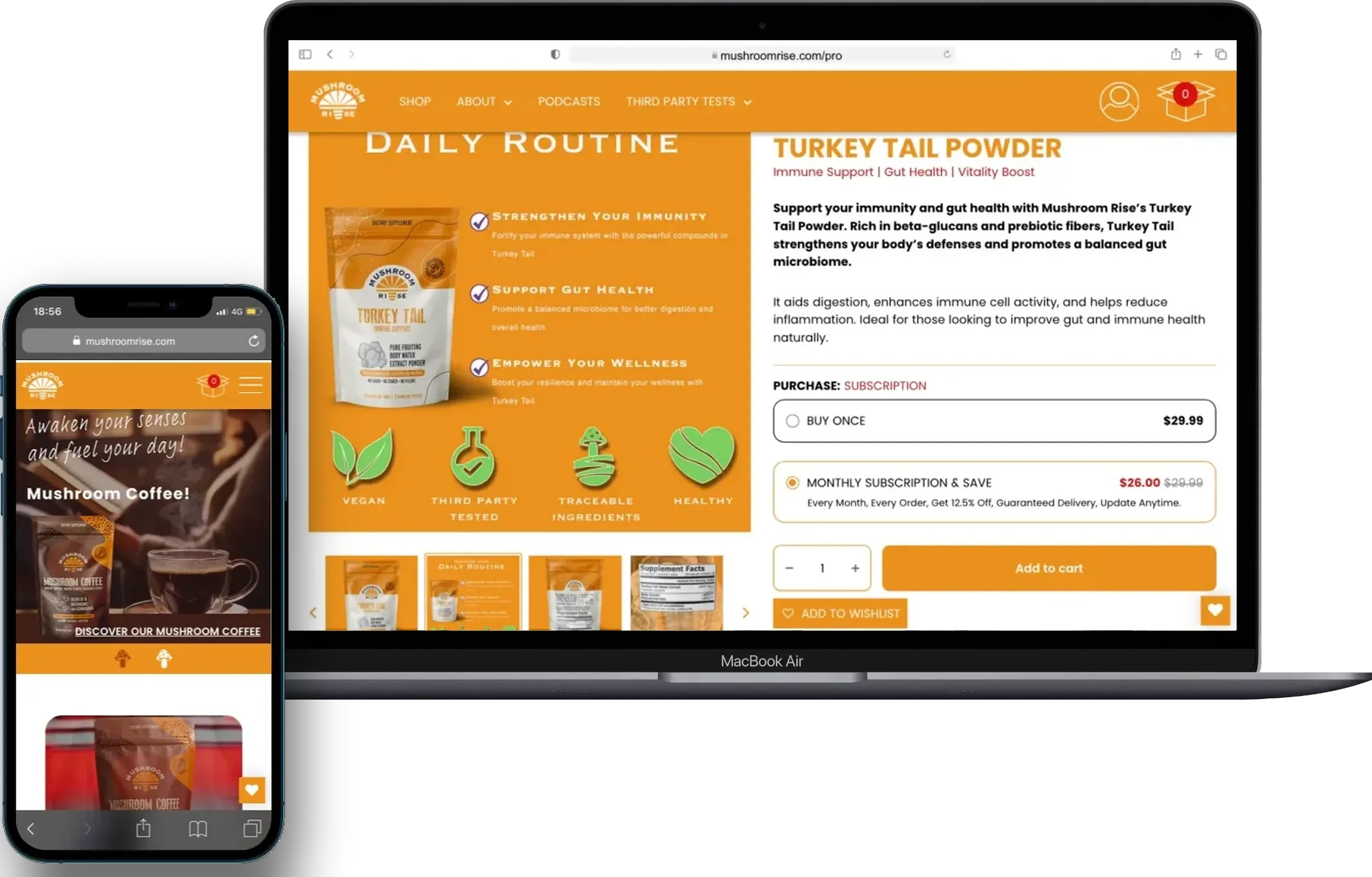
Work on order flow, supply steps and a clearer team view.
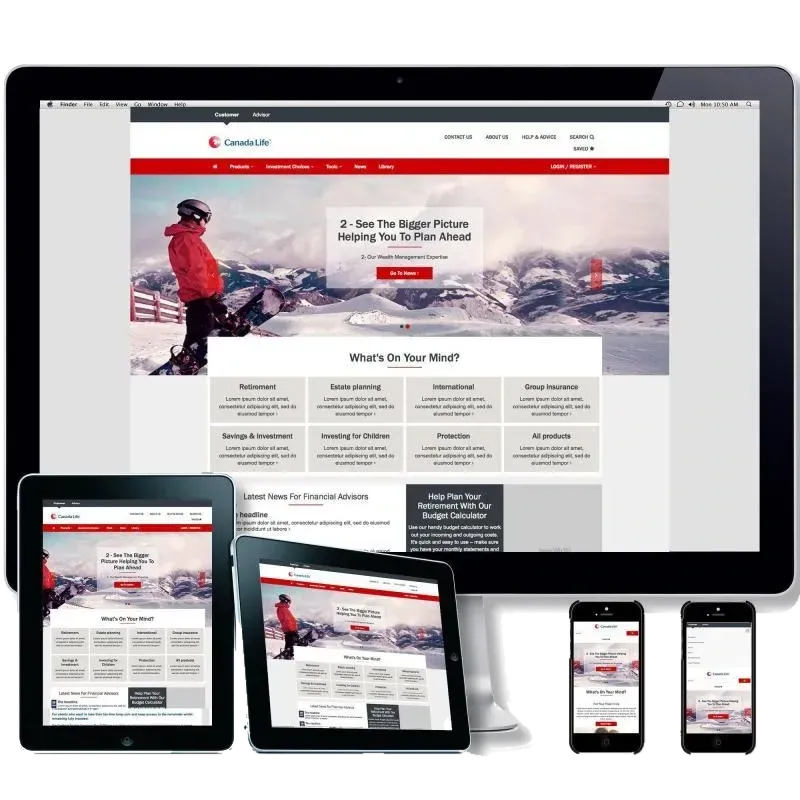
Work on lead replies, customer messages and the next step.
Build it when
The path is known, but people still carry the load.
- Your plan is ready, but the system is not built.
- People copy data between tools each day.
- A task can get lost when it moves from one team to another.
- You want AI to do one clear job inside a safe path.
- Your team needs one view of live work.
- The old way works, but it is hard to run as work grows.
Make the work move.
Bring us the plan or the live problem. We will help you build a system your team can see, use and control.